로컬 리눅스 환경에서 GitLab Omnibus를 설치하는 방법
컨테이너 이미지를 저장하기 위한 이미지 레지스트리 사용
환경
- OS: Rocky 8.10
설치
패키지 설치
1dnf install -y ca-certificates tzdata policycoreutils-python-utilsGitLab Omnibus 설치
- Comunity Edition
1
2
3
curl -sS https://packages.gitlab.com/install/repositories/gitlab/gitlab-ce/script.rpm.sh | sudo bash EXTERNAL_URL="http://<IP/도메인>" dnf install -y gitlab-ceGitLab 설정
/etc/gitlab/gitlab.rb콘솔 접근 경로
1
2
# 기본 외부 URL 설정 external_url "http://<IP/도메인>"이미지 레지스트리
1 2gitlab_rails['registry_enabled'] = true registry_external_url "http://<IP/도메인>:5050"레지스트리 경로가 https가 아닌 http이므로, 이미지를 푸시할 때 해당 서버에서 docker insecure 설정이 필요함
1
2
3
4
5
6
7
vim /etc/docker/daemon.json --------------------------- { "insecure-registries": [ "<ip/도메인>:5050" ] }
(선택) 리포지토리 저장 위치 변경
1 2 3 4 5 6 7 8gitaly['configuration'] = { storage: [ { name: 'default', path: '/data/gitlab/repositories', }, ], }(선택) 이미지 레지스트리 저장 위치 변경
1gitlab_rails['registry_path'] = "/data/gitlab/registry"
설정 적용
1gitlab-ctl reconfigure
루트 비밀번호 확인
- 루트 비밀번호가 저장된 파일은 24시간 뒤에 자동 삭제
1cat /etc/gitlab/initial_root_passwordhttp://
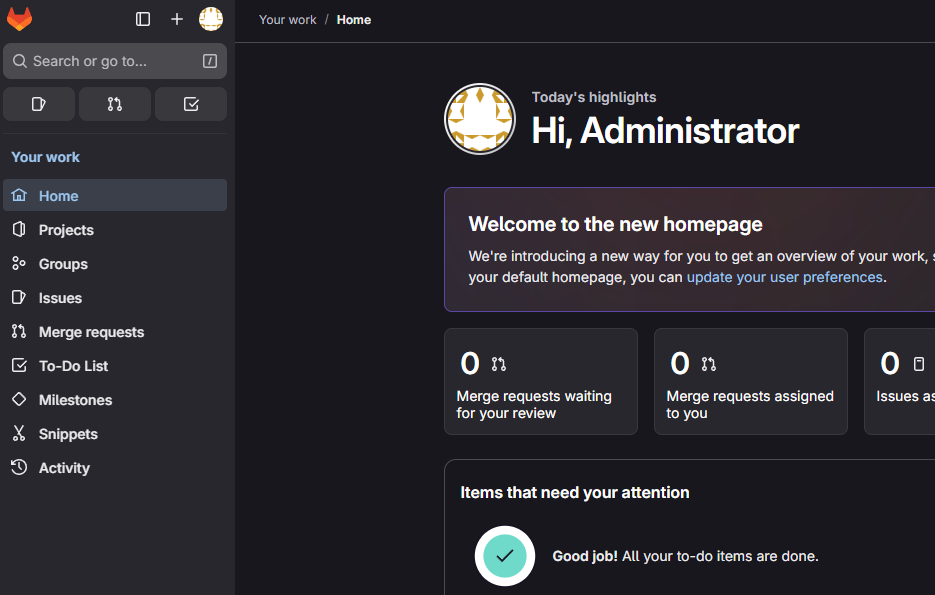
로 콘솔 접근 - 정상 접근 확인!
참고
- GitLab Omnibus Install 공식 문서: https://docs.gitlab.com/install/package/almalinux/