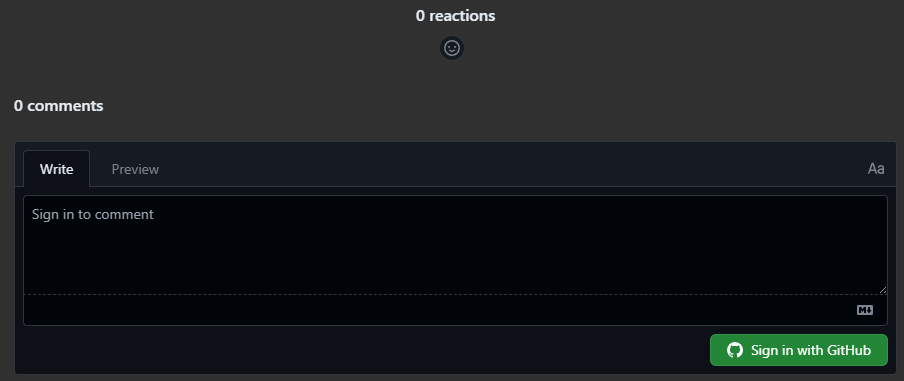
1. GitHub Discussions 활성화
GitHub Blog Repository 접속
Settings 탭 클릭
General 섹션에서 Features 찾기
Discussions 체크박스 활성화

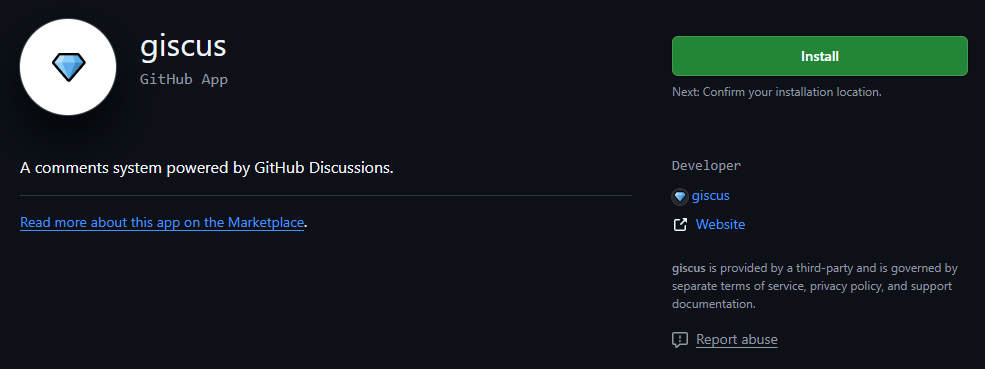
2. Giscus 앱 설치
Install 클릭
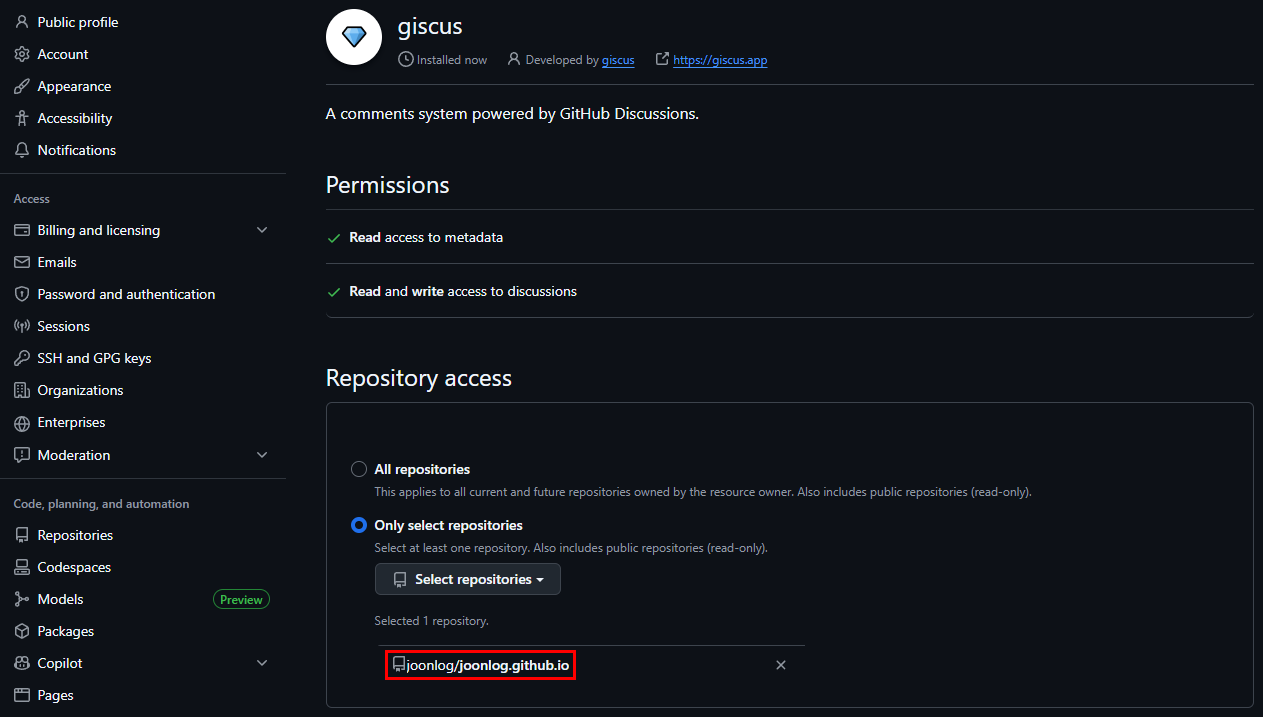
joonlog/joonlog.github.io 저장소 선택
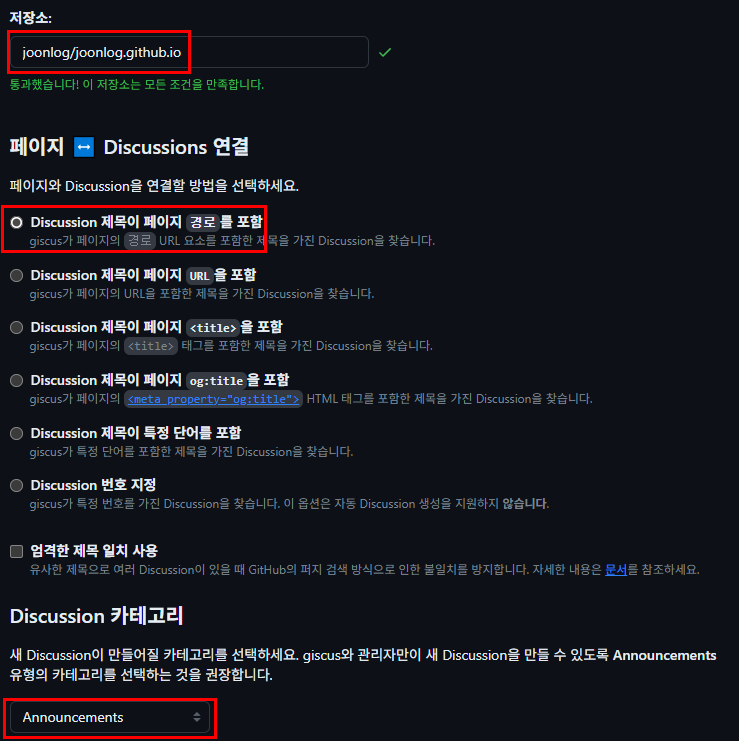
3. Giscus 설정값 생성
다음 정보 입력:
저장소: joonlog/joonlog.github.io
페이지 ↔ Discussions 연결: 경로
Discussion 카테고리: Announcements 또는 General 선택
giscus 사용에서 출력된 값을 확인
- data-repo
- data-repo-id
- data-category
- data-category-id
4. Hugo 설정 파일 수정
config/_default/params.toml파일 수정1 2 3 4 5 6 7 8 9 10 11 12 13 14[comments] enabled = true provider = "giscus" # disqus에서 giscus로 변경 [comments.giscus] repo = "joonlog/joonlog.github.io" repoID = "<repo_id>" category = "<category_이름>" categoryID = "<category_id>" mapping = "pathname" lightTheme = "light" darkTheme = "dark" reactionsEnabled = 1 emitMetadata = 0
5. Git 커밋 후 재배포
추가 성공!